
Guide · AI
Plan a road trip with AI — then check it on a real map
ChatGPT · Claude · built-in AI · prompts that work
AI is genuinely good at the first draft of a road trip — which towns, how many nights, what's worth a detour. It's bad at the part that makes or breaks the trip: geography. An AI itinerary reads beautifully and turns out to have seven hours of driving on day three. The fix is simple: give it the right constraints, and put the answer on a map before you trust it.
The short version: tell the AI your start and end, the number of days, who's going and your maximum driving time per day; ask for overnight stops with nights, in driving order; then put the plan on a map and check every day's drive before you book anything. Stopful does that last step inside ChatGPT and Claude, or with its own built-in AI.
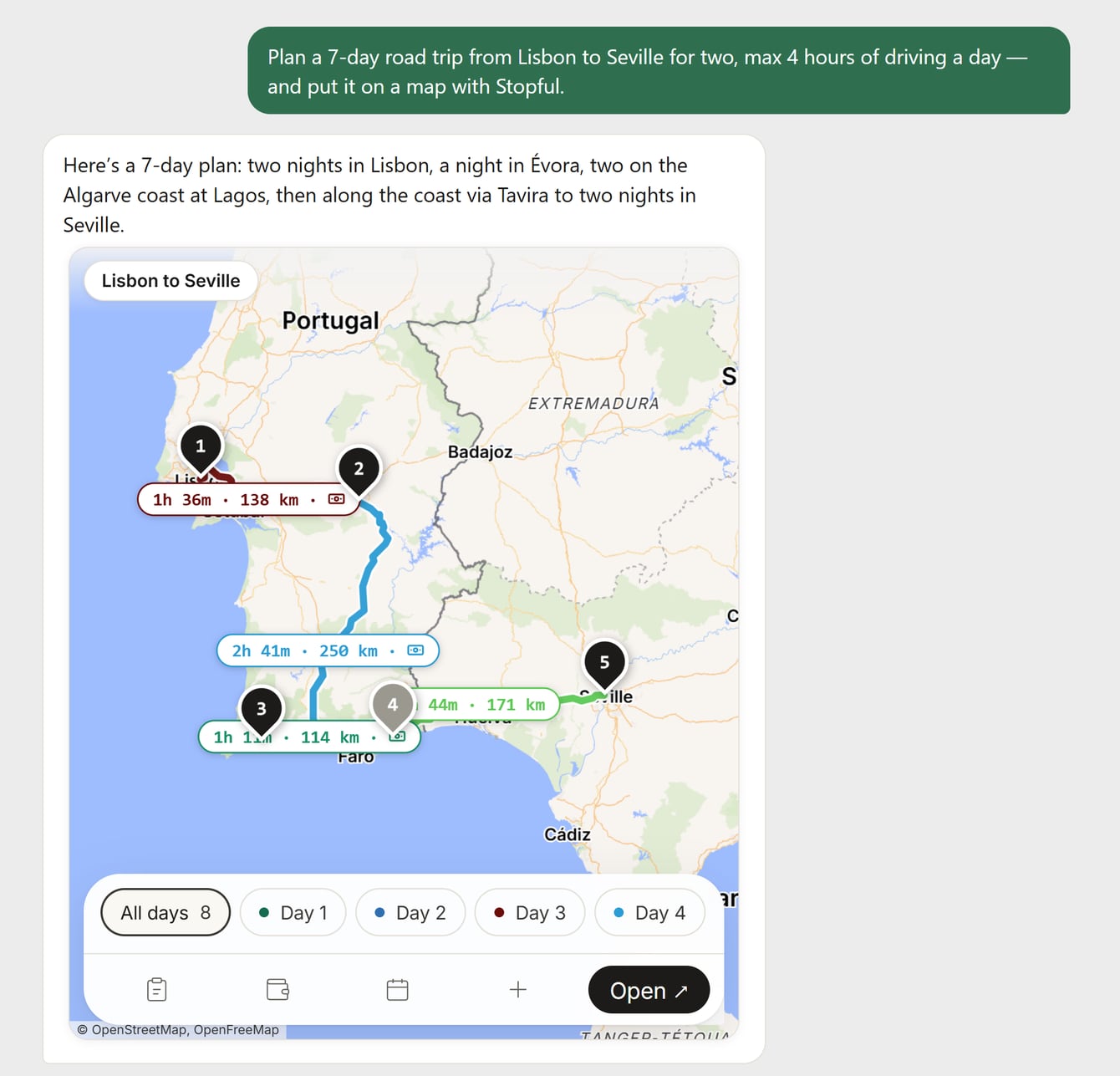
How to plan a road trip with AI, step by step
- 1
Give it constraints, not just a destination
“A week in Portugal” gets you a brochure. Give the AI what a travel agent would ask: start and end point, dates or number of days, who's going (kids, a dog, an EV), your maximum hours of driving a day, the pace you like, a budget level and what you're into. The driving limit matters most — without it, AI happily plans 600 km days.
- 2
Ask for overnight stops and nights, in driving order
Ask for a list: town, number of nights, and one line on why. That list is the skeleton of the trip — it decides where each day ends and what you have to book. Sights and lunch stops can come later.
- 3
Put the draft on a map
This is the step most people skip. A text itinerary hides backtracking, a “quick detour” over a mountain range, and two towns that are much further apart than they sound. On a map, those jump out in seconds.
- 4
Check every driving day against your limit
Look at the real drive time of each day, not the AI's estimate. If a day runs long, tell the assistant the number — “day 3 is 6 h 40, keep every day under 4 hours” — and ask it to add an overnight or drop a stop. Repeat until every day fits.
- 5
Verify what matters, then book
AI can be confidently wrong about opening seasons, mountain passes and park roads, ferry timetables, prices — and occasionally places that don't exist. Check anything you'd be stuck without against the official source, then book the scarce nights first.
Three ways to use AI with Stopful
The AI does the planning; Stopful draws the map, with the real drive time of every leg. Use whichever assistant you already have:
https://stopful.com/api/mcp — setup on the Claude & ChatGPT page), then ask ChatGPT to plan the trip and put it on a map. The map appears right in the chat.https://stopful.com/api/mcp. Then ask Claude to plan the trip and map it with Stopful.Free · no sign-up · no ads — or start from a ready-made route
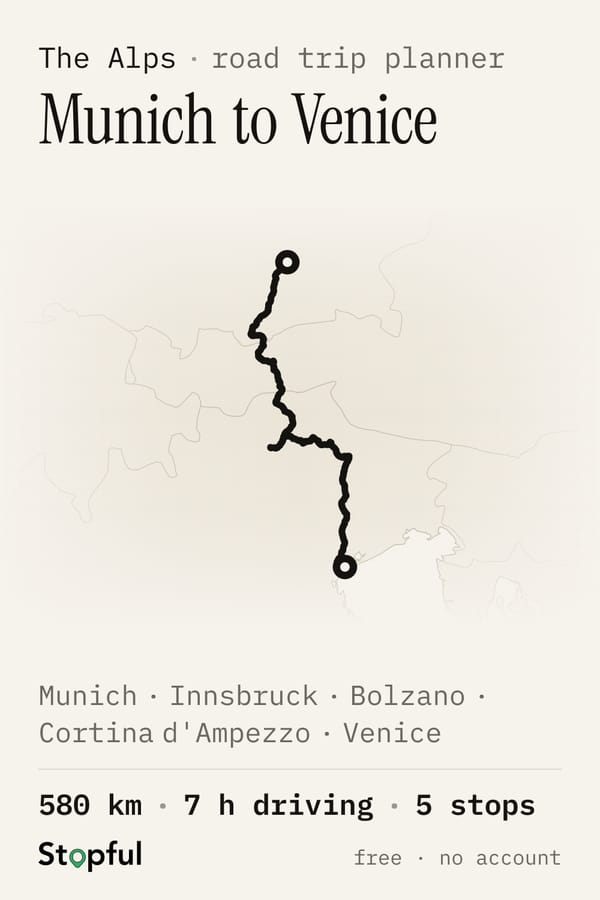
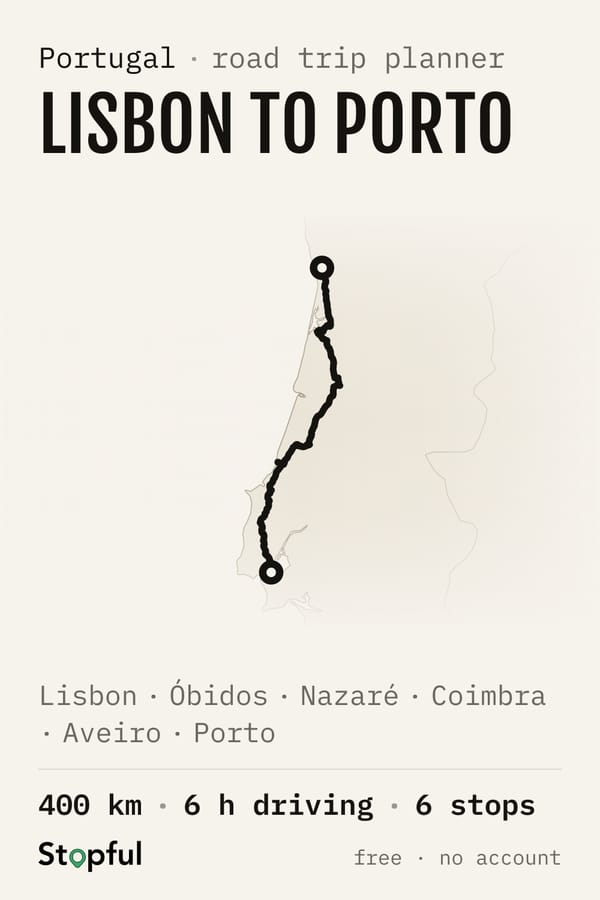
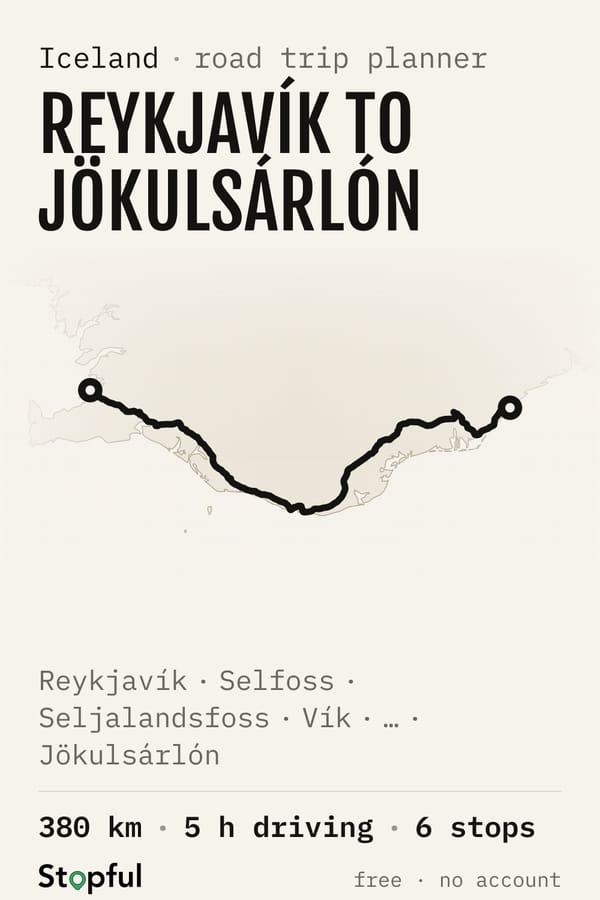
Or start from a ready-made route
Road trip prompts that work
Copy one, swap in your own places and dates. The pattern is always the same: where, how long, who, a driving limit, then “put it on a map”.
The starter
“Plan a 10-day road trip from Munich to Venice for two adults in September. Max 4 hours of driving a day, two nights in most places, mid-range budget. List the overnight stops in driving order with the number of nights, then put it on a map with Stopful.”
With kids
“We're driving from Calgary to Vancouver in July with two kids, 6 and 9, over 8 days. Keep every driving day under 3 hours, with one easy walk and somewhere to swim each day. Map it with Stopful.”
In an electric car
“Plan a 6-day drive from Paris to Nice in an electric car with about 350 km of real-world range. Put the overnights in towns with fast chargers, and map it with Stopful.”
Fixing a long day
“Day 3 is too long. Keep every driving day under 4 hours — add or move an overnight stop and update the map.”
Filling a day
“For the two nights in Lagos, suggest a day trip and three things to do that don't need the car.”
Before you book
“List everything on this route that's seasonal or needs booking ahead — mountain passes, ferries, park permits, small towns with few hotels.”
What AI gets wrong about road trips
- Drive times. AI estimates from distance and tends to forget mountain roads, city traffic and border crossings. Always check the routed time.
- Backtracking. Stops that sound like they're in order often zig-zag. A map shows it instantly; a list never does.
- Too many one-night stops. AI loves to fit everything in. Three one-nighters in a row is a chore, not a holiday — ask for two nights in the places that matter.
- Seasons. High mountain passes and many national-park roads close for months each winter; AI doesn't always know which, or when.
- Places. Namesakes (there's more than one of almost every town) and the occasional invented place. Stopful flags stops it couldn't place or whose coordinates look wrong, so you can fix them.
- Prices and opening hours. Treat AI's numbers as a rough guide. Stopful's estimate prices the trip by region and month, but for anything you'll pay, check the source.
Which AI is best for planning a road trip?
Any of the big assistants — ChatGPT, Claude, Gemini — writes a decent road-trip draft. The difference between a good AI trip and a bad one is rarely the model; it's whether you gave it a driving limit and whether you checked the result on a map. Use the assistant you already like, connect it to a map, and spend your effort on steps 1 and 4.
Planning without AI? The same method works by hand — see how to plan a road trip, step by step, including how far to drive in a day.
Planning a road trip with AI — FAQ
- Can ChatGPT plan a road trip?
- Yes — ChatGPT writes a good first draft if you give it constraints: start and end, number of days, who's going, and a maximum driving time per day. Check the result on a map before booking; AI often underestimates drive times. With Stopful connected, ChatGPT shows the plan as an editable map with real drive times right in the chat.
- How do I get an AI road trip onto a map?
- Connect Stopful to ChatGPT or Claude (endpoint https://stopful.com/api/mcp) and ask the assistant to put the trip on a map — it appears in the chat and opens in the full planner. Or use Stopful's built-in ✨ Plan with AI, which builds the trip directly on the map.
- What's a good prompt for planning a road trip?
- Include where, how long, who and a driving limit: “Plan a 10-day road trip from Munich to Venice for two in September, max 4 hours of driving a day, two nights in most places, mid-range budget. List the overnight stops in driving order with nights, then put it on a map.”
- Is there a free AI road trip planner?
- Stopful's map and its ChatGPT/Claude connector are free and need no account. Its built-in AI travel agent is free with a Google or Microsoft sign-in, within a daily limit.
- Does the AI book hotels for me?
- No. The assistant plans and Stopful maps; nothing is ever booked on your behalf. Each overnight stop links to hotels with your dates filled in, and you choose.
- Can AI plan an EV road trip?
- It can draft one if you tell it your car's real-world range and ask for overnights near fast chargers. Then check: Stopful shows fast chargers (43 kW and up) along every leg. For battery state-of-charge planning, pair it with a range specialist like A Better Route Planner.