
Map maker
Make a road trip map — free, with the real route
Real driving route · a colour per day · share link · image download · free, no account
Most “map makers” give you pins and straight lines. A road trip map should show what the trip is actually like: the roads you'll drive, the stops in order, where each day ends, and how long each leg takes. Stopful draws that as you add places — and then lets you share it, download it, or print it.
To make a road trip map: open Stopful, add your stops (search, or press and hold on the map), set how many nights you stay at each, and the driving route draws itself with the time and distance of every leg. Then share it as a link, download it as an image (More → Download map image), or print the itinerary.
How to make a road trip map
- 1
Add your stops
Search for a place, or press and hold anywhere on the map to drop a pin. Drag a pin to move it. Start with the places you'll sleep, then add the ones you'll stop at on the way.
- 2
Put them in order and set the nights
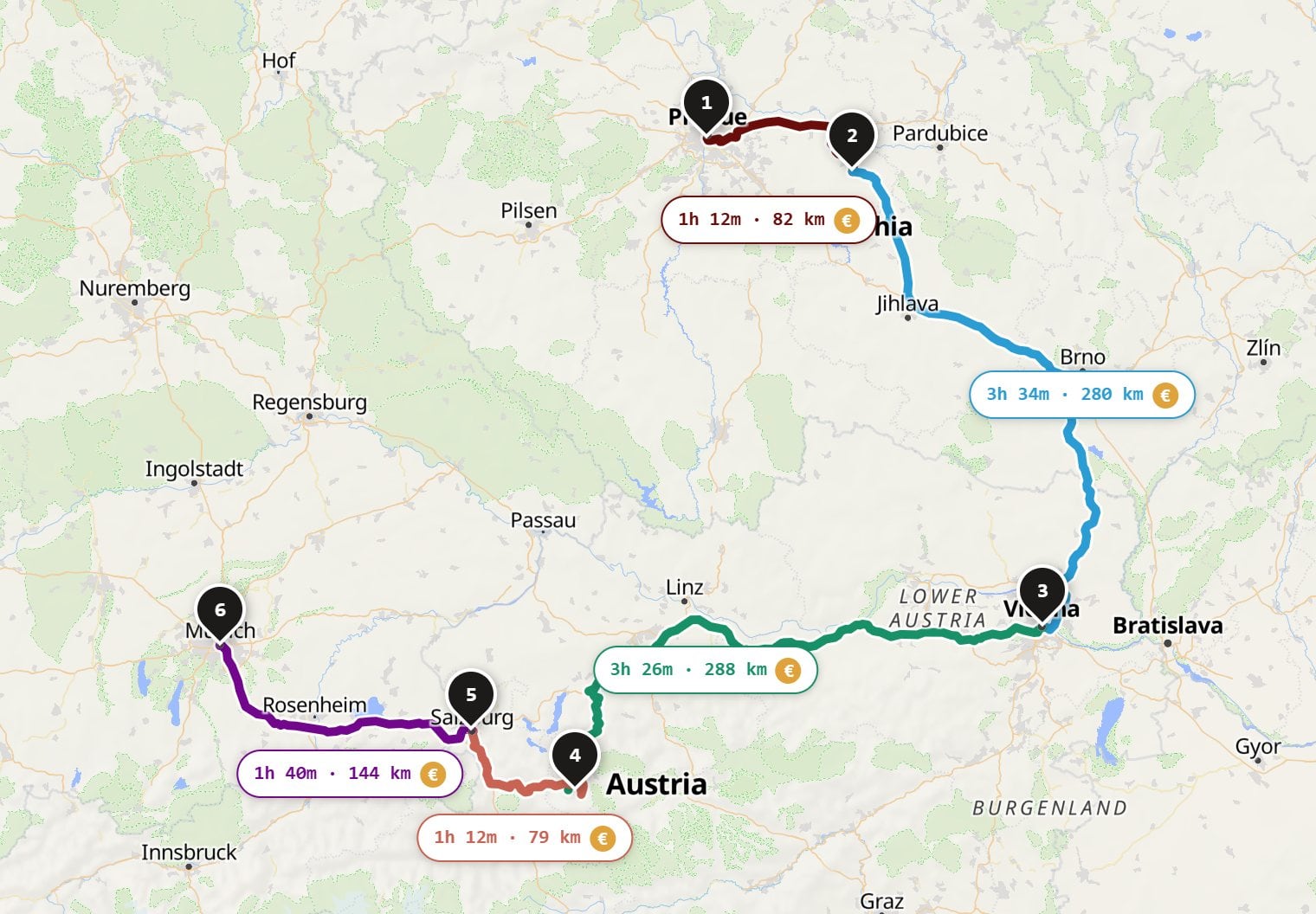
Reorder stops so they run in driving order, and set nights at each — 0 means just passing through. The trip splits itself into days, and each driving day gets its own colour on the map.
- 3
Let the route draw itself
Stopful routes over real roads, not straight lines, and labels every leg with its drive time and distance. Tap a leg to switch it to a flight, train or bus, or to see fast EV chargers along it.
- 4
Share it, download it or print it
Send the link — anyone can open it, no account. Download it as an image for a group chat or a post. Or print the day-by-day itinerary. The map stays editable: change a stop and everything updates.
Ways to take the map with you
A map you can't get out of the planner isn't much use. Every Stopful trip leaves the app four ways:
Free · no sign-up · no ads — or start from a ready-made route
What makes a good road trip map
- The real route. Straight lines between pins hide the mountain pass, the ferry and the coast road. Draw the roads.
- Stops in driving order, numbered. The order is the trip; numbers make it readable at a glance.
- Where each day ends. One colour per driving day shows the rhythm of the trip — and the day that's too long.
- Time, not just distance. 200 km of motorway and 200 km of mountain road are different days.
- Easy to change. A map is a draft until you've booked. If moving a stop means redrawing everything, you won't.
Stopful or Google My Maps?
Google My Maps is great for collecting places — custom icons, layers, notes — and it's familiar. It's weaker as a road trip map: directions are limited per layer, nothing is split into days, and there's no drive time per leg at a glance. Stopful is route-first: the stops, the roads, the days and the drive times, plus hotels, EV chargers and what the trip will cost. Many people use both — My Maps for the long list of ideas, Stopful for the trip itself. See Stopful vs Google My Maps.
Want a poster?
Stopful's map image is a clean, shareable route card — not a print-quality art poster. If you want a framed map of the trip for the wall, take your stop list to a dedicated map-poster service; for everything before and during the trip, the link and the image are what you need.
Road trip map maker — FAQ
- How do I make a map of my road trip?
- Open Stopful, add your stops by searching or pressing and holding on the map, put them in driving order and set nights at each. The driving route draws itself, one colour per day, with the drive time and distance of every leg. It's free and needs no account.
- Can I download my road trip map as an image?
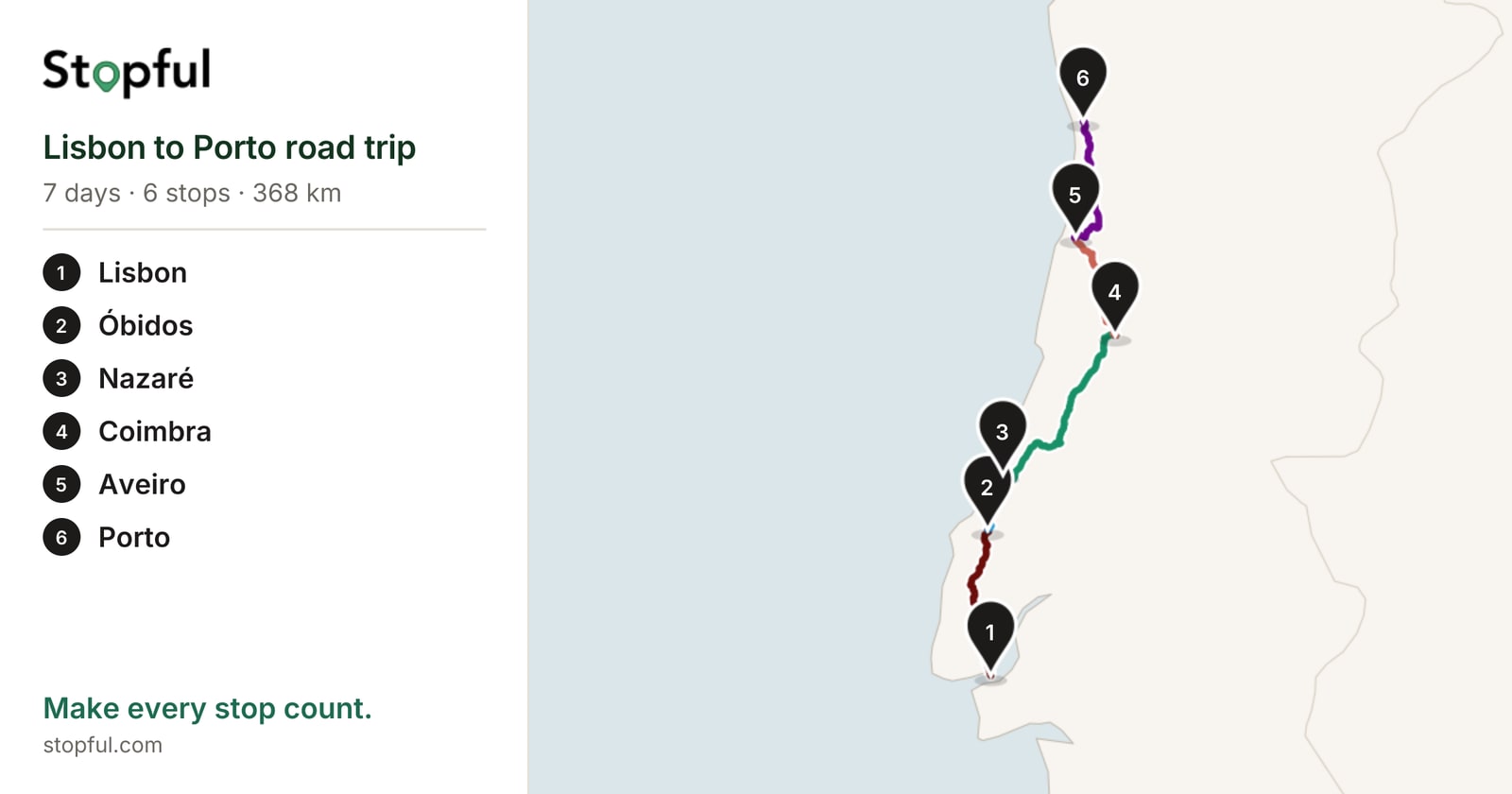
- Yes. In Stopful, open the More menu and choose Download map image. You get a 2400 × 1260 PNG with the whole route, every stop numbered and listed, and the trip's days and total distance.
- Is there a free road trip map maker?
- Stopful is free with no account and no ads: make the map, share it as a link, download it as an image, or print the itinerary.
- How do I share a road trip map?
- Use Share to copy a link anyone can open without an account; messengers show the route in the link preview. For people planning with you, More → Share for editing creates a link they can edit.
- Can I make a road trip map in Google Maps?
- Google My Maps lets you pin places and add directions in layers, which works for a simple route. It doesn't split the trip into days or show drive times per leg at a glance, so for multi-day road trips a route-first planner like Stopful is quicker.
- Can I print my road trip map?
- Print / Save as PDF prints the day-by-day itinerary (text, with booking numbers). For the map itself, download the map image and print that alongside it.